Built-in Modules: Power and Data Seamlessly Integrated
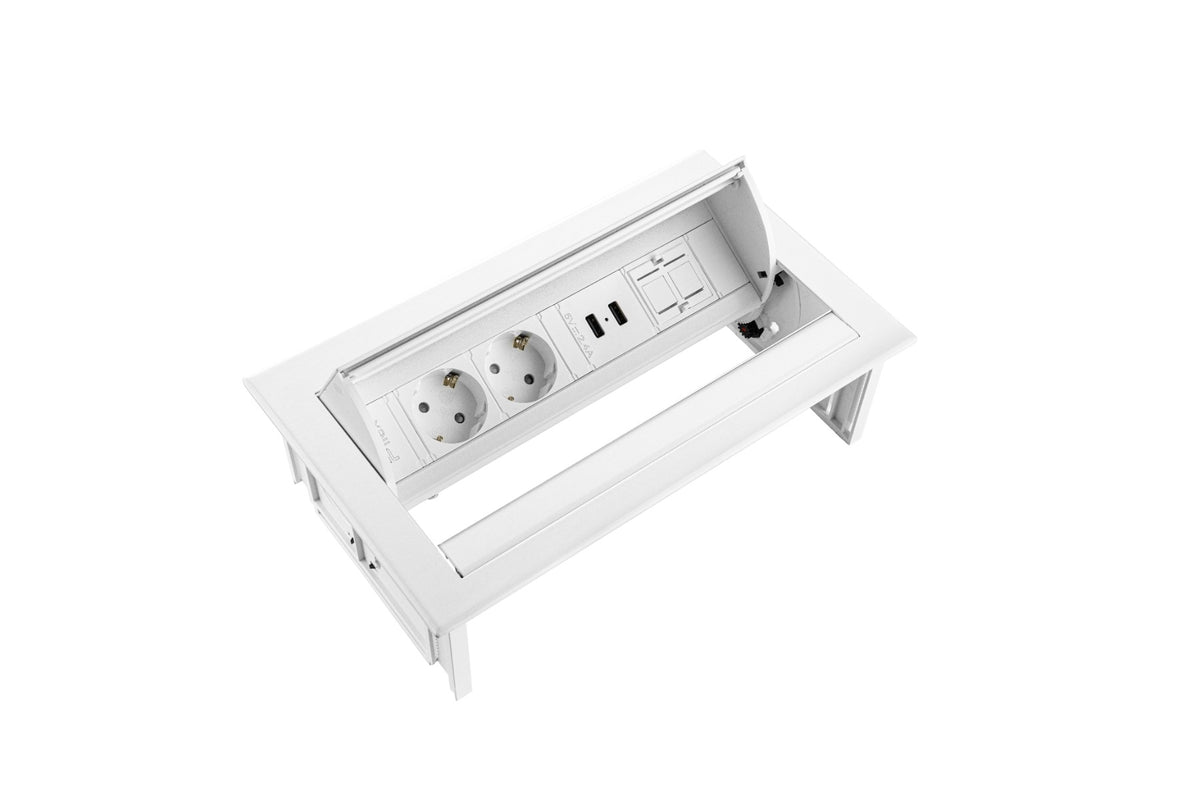
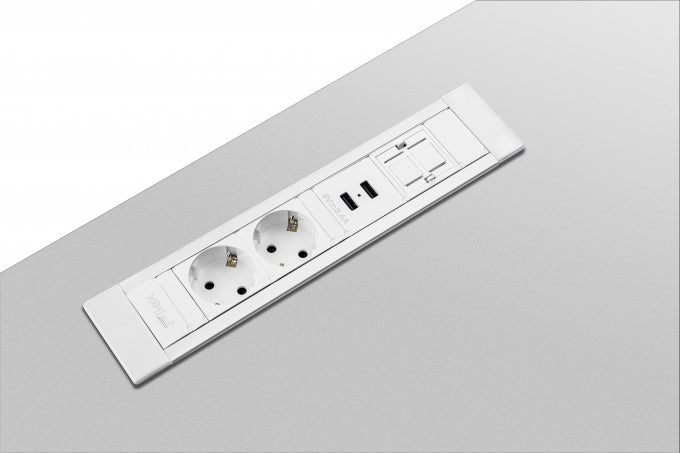
A built-in module is flush-mounted into the desk or table top, providing power, data, and USB directly on the work surface — completely concealed and neatly finished. No loose power strips, no cables on the surface. At BNR Office, you will find built-in modules for office desks, conference tables, and canteen tables. Also, explore our full range of electrification & cable management.
Types of Built-in Modules
Power Built-in Modules
Built-in modules with power sockets (Schuko) provide power directly on the tabletop. Available with 1, 2, or 3 sockets in a compact housing that fits into a standard cutout.
Combination Modules (Power + Data + USB)
Combination modules offer power, network connection (RJ45), and USB charging ports in one module. Ideal for meeting rooms and flexible workstations where employees and visitors want to quickly connect and charge.
USB Built-in Modules
USB built-in modules provide USB-A and/or USB-C charging ports directly in the tabletop. Ideal for reception areas, canteens, and meeting rooms where visitors want to charge their devices.
Data Built-in Modules
Data built-in modules provide network connections (RJ45) directly in the tabletop for a wired internet connection. Ideal for meeting rooms where a stable connection is required.
Wireless Charging Modules
Wireless charging modules (Qi) are built into the tabletop and charge smartphones and other Qi-compatible devices without a cable. Ideal for reception areas and conference tables.
Advantages of Built-in Modules
- Sleek, professional finish: module flush with the tabletop
- No loose power strips or cables on the work surface
- Power, data, and USB directly available at the workplace
- Available in various colors to match the tabletop
- Easily combined with cable trays and cable ducts
Applications
- Office desks: power and USB directly on the desktop
- Conference tables: power, data, and USB for presentations and meetings
- Canteen tables: USB charging points for employees during breaks
- Reception areas: wireless charging for visitors
Frequently Asked Questions about Built-in Modules
What cutout do I need for a built-in module?
Most built-in modules fit into a standard round cutout of 60 or 80 mm diameter, or a rectangular cutout. Always check the specifications of the module and the tabletop. Contact our customer service for advice.
Can I install a built-in module in an existing tabletop later?
Yes, built-in modules can also be retrofitted into existing desks and tables. This requires a cutout milled into the tabletop. BNR Office can arrange this as part of the delivery and installation.
What is the difference between a built-in module and a surface-mounted module?
A built-in module is flush-mounted into the tabletop for a flat, sleek finish. A surface-mounted module sits on top of the tabletop and does not require drilling or milling — easier to install but less sleek in appearance.